
This is a collaborative project with both a front end and back end development team over the course of two semesters. Together, we are creating an interactive online crossword puzzle game that is under water themed.
Goals
- Design and implement an engaging, functional crossword puzzle game
- improve students’ literacy through e-based learning
Objectives
- Increase vocabulary learning
- Intuitive to use for teachers and students
- Website accessible for users with disabilities (WCAG 2.0 compliance)
check below to see the research process
Competitive Analysis
Features
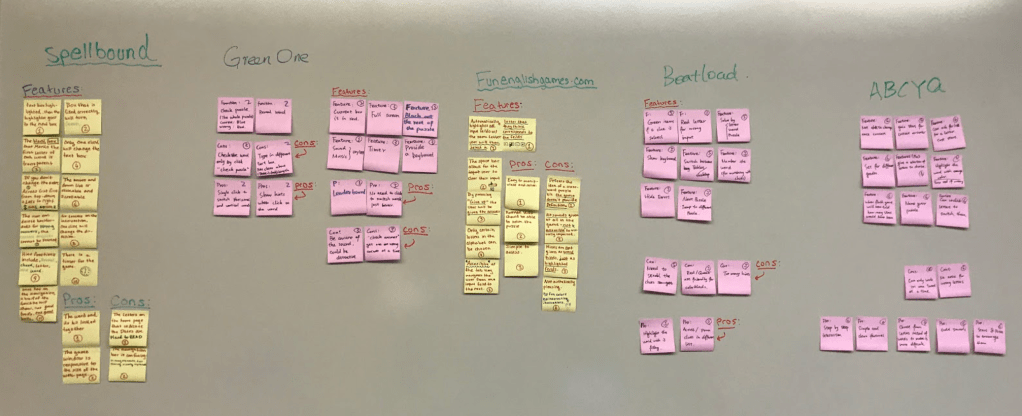
We analyzed the 6 competitors by evaluating their features’ pros and cons. We wrote these points on the sticky notes and evaluate them on the whiteboard.
Categories
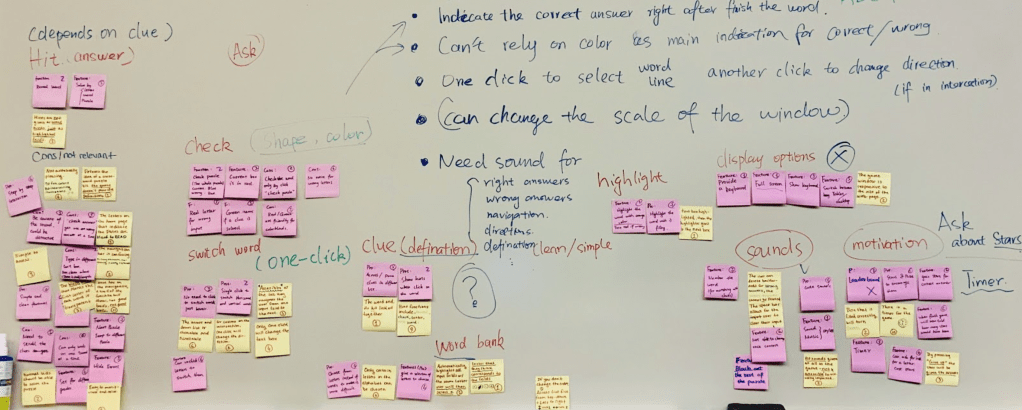
We rearranged the sticky notes and categorized them by features. We came out with Check, Switch Word Clue, Word Bank, Highlight, Display Options, and Sounds Motivation.
Findings
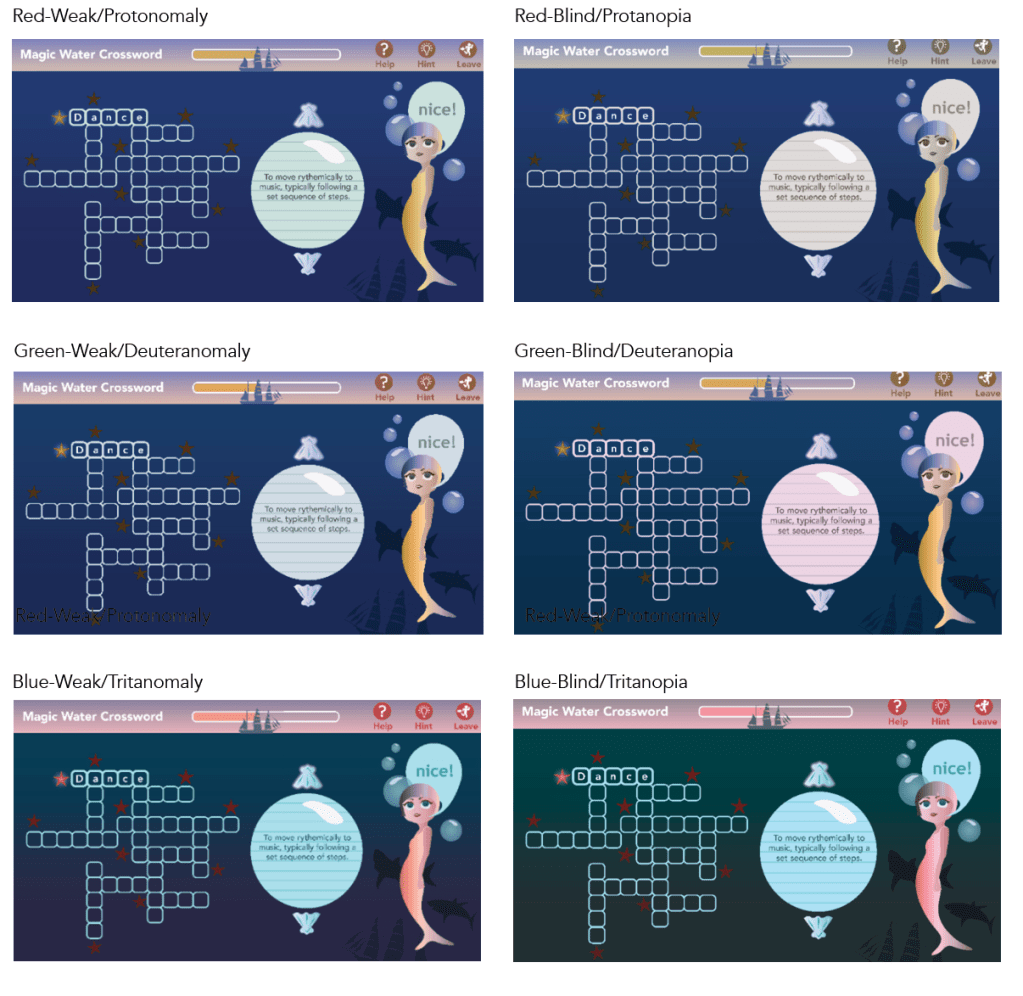
- Do not rely on colors, especially green and red for correct/incorrect answers.
- The game window should be responsive with the page size.
- Indicate the correct answer right after filling the word
- Use sound effects for notifications, such as correct/incorrect answers, click, direction, etc.
Interview and survey results
The following results are selected from a survey we sent out to a list of k-6 teachers in the Ann Arbor and Ypsilanti schools.
Graph Result
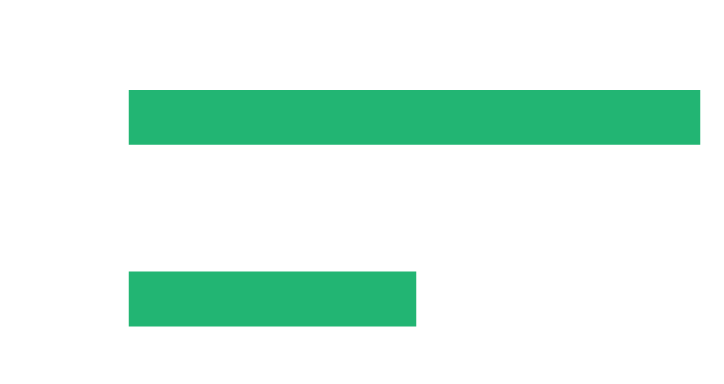
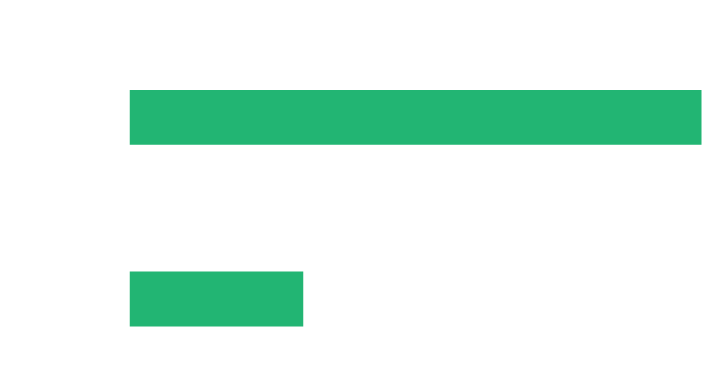
for kids ages 8-12, one respondent asked for a word bank, while the other 2 two asked for a function where students type the words out.
Graph Result
Three respondents said they ask their students to spell and recognize words, one respondent said they ask their students to just recognize.
Findings
- Both typing words out and selecting words from a word bank are useful game play options.
- Different ages = different needs
- Younger kids (around 6-8 years old) need design for low motor skills, and it’s likely they can’t read words fluently or at all. They have limited knowledge.
- Kids hold a fear of failure and a NEED for FUN.
- Repetition of failed words is important to learning a list of words comprehensively.
- Avoid high-pitched sound effects and game music.
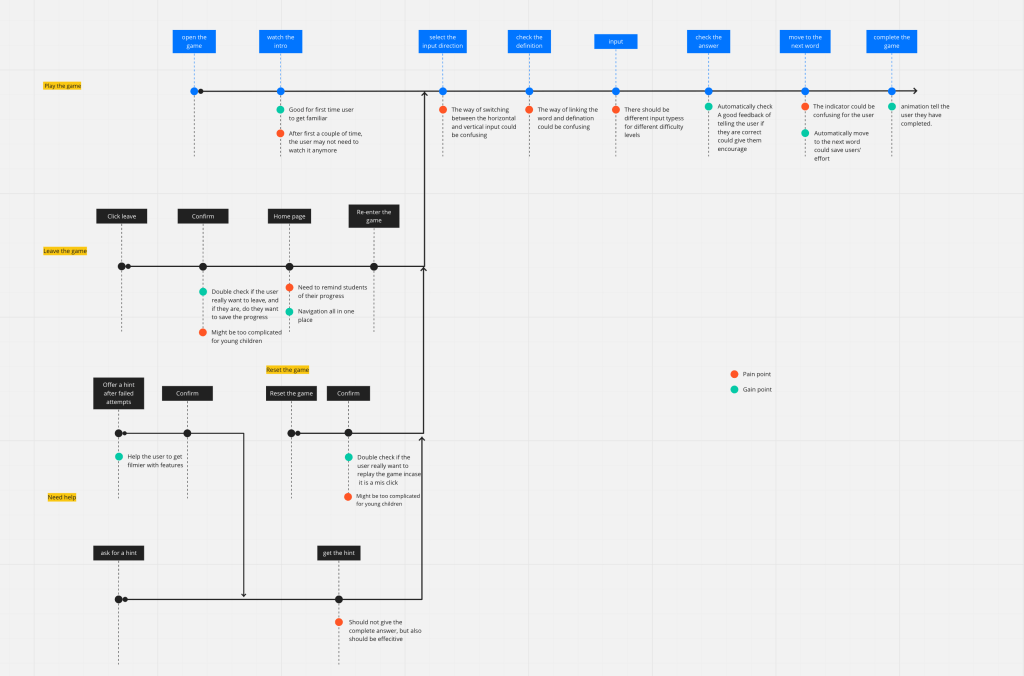
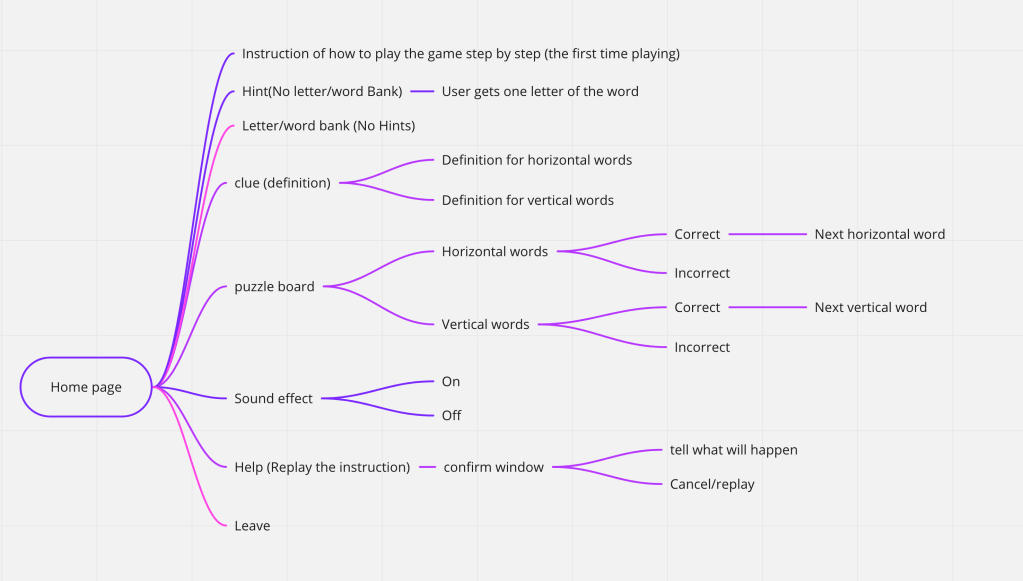
User Flow
both of these user flows describe the path of the user through the features of the game.
wireframes
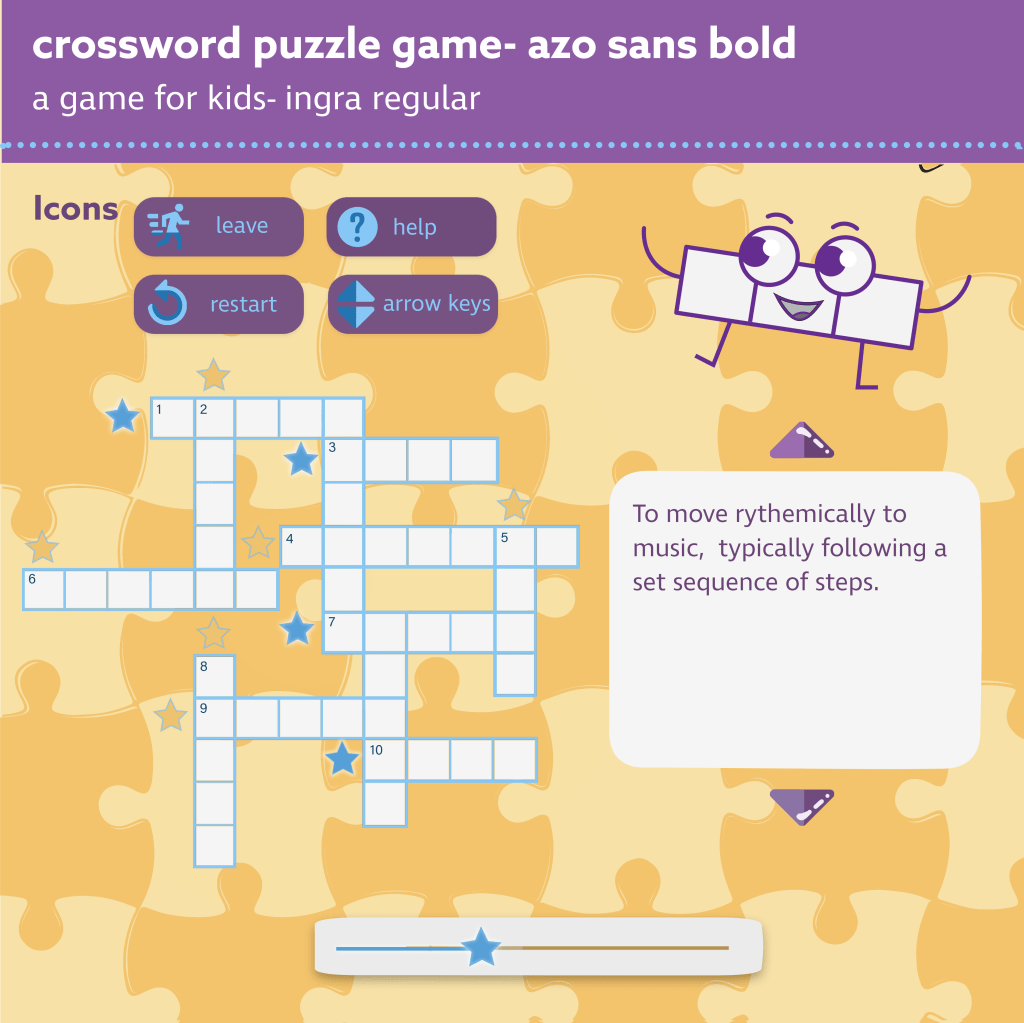
Using Adobe XD, I created this low fidelity wireframe to express the most basic layout of visual features.
I also put together two drafts of potential visual themes using Adobe Photoshop and Illustrator.
Puzzle Theme 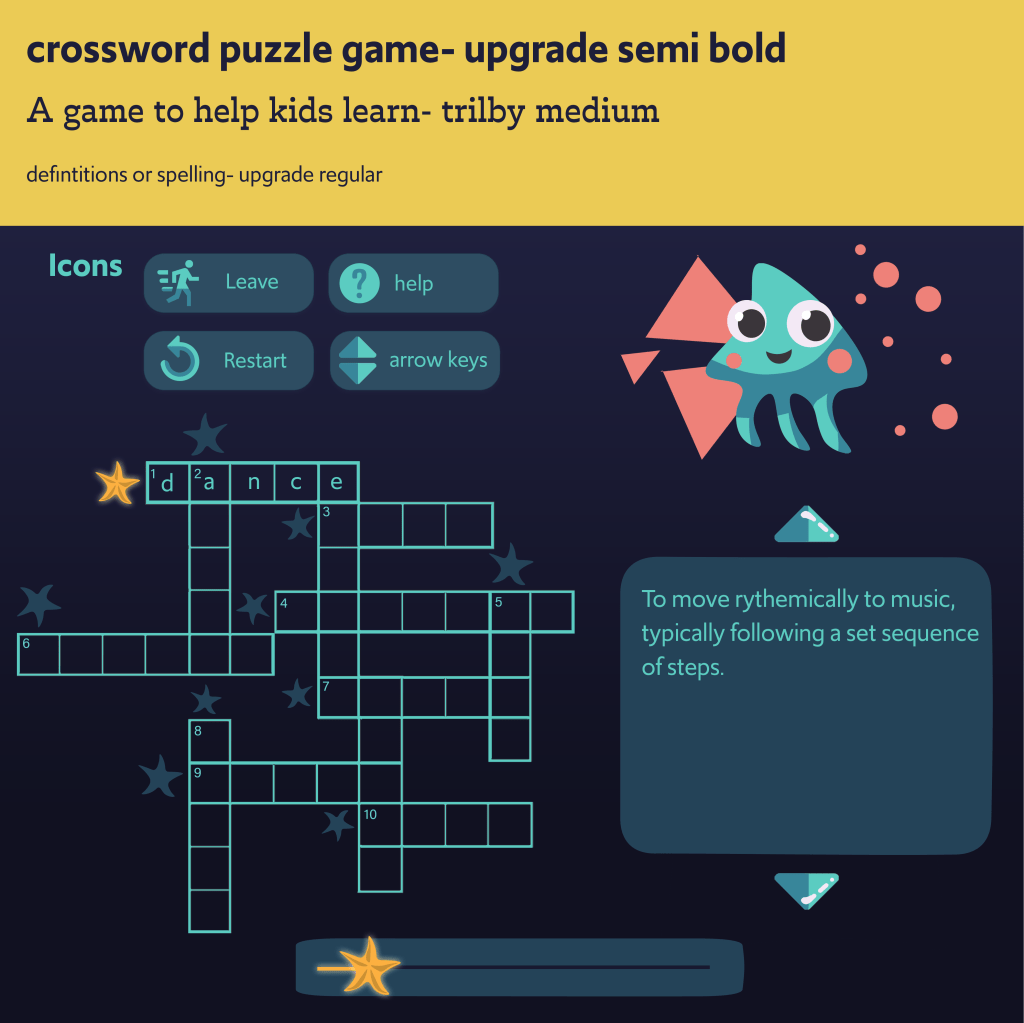
Under Water Theme
Accessibility
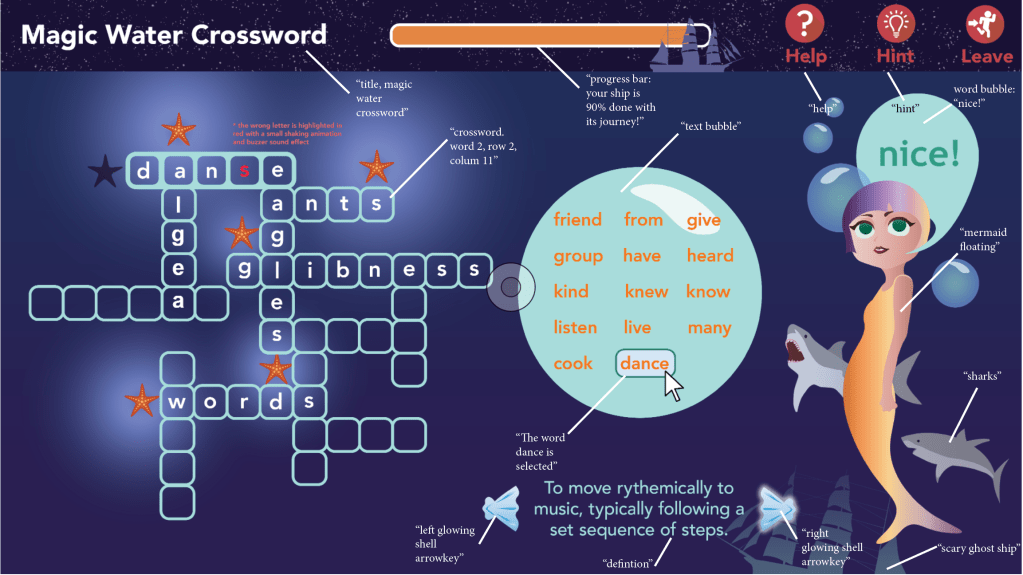
While there are many different kinds of impairments to consider when designing for disabilities (cognitive, physical, auditory), I designed the mockups to the right to increase the user experience for those with visual impairments. Here’s the mapping page for alt tags to be used for screen readers. Below, there’s a color blindness test sheet made in Coblis.
In the actual prototype of our product, we use AXE to scan for color contrast errors and other accessibility concerns. I’m currently in the process of making mockups to address a few color contrast errors in order to make the interface WCAG 2.0 compliant.
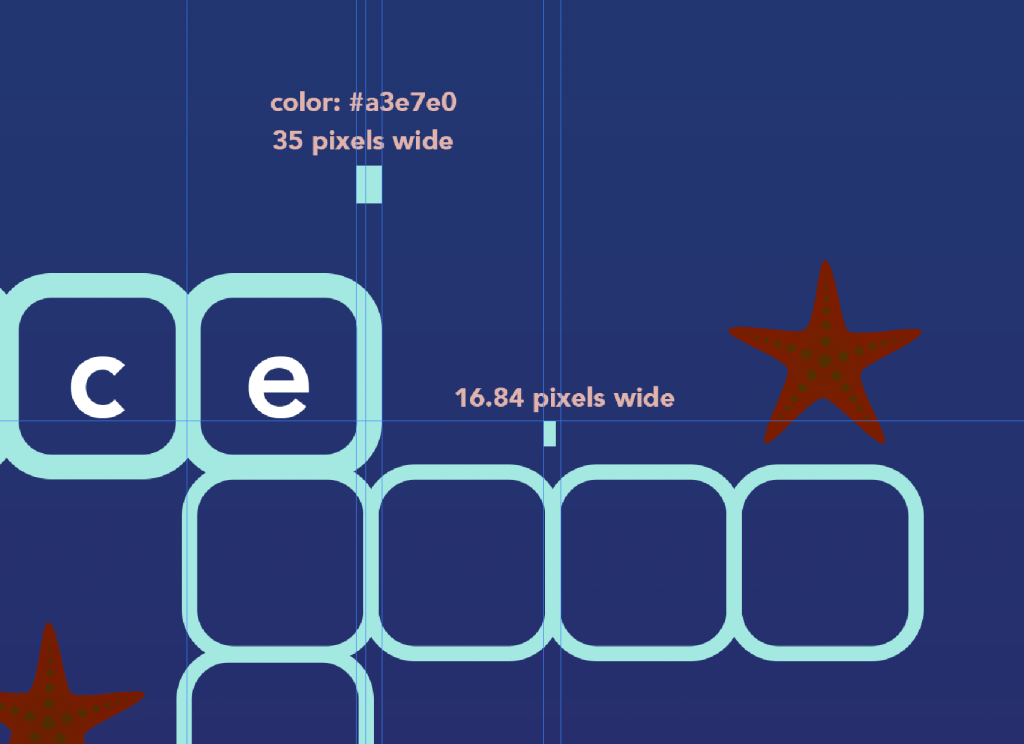
High Fidelity Mockups
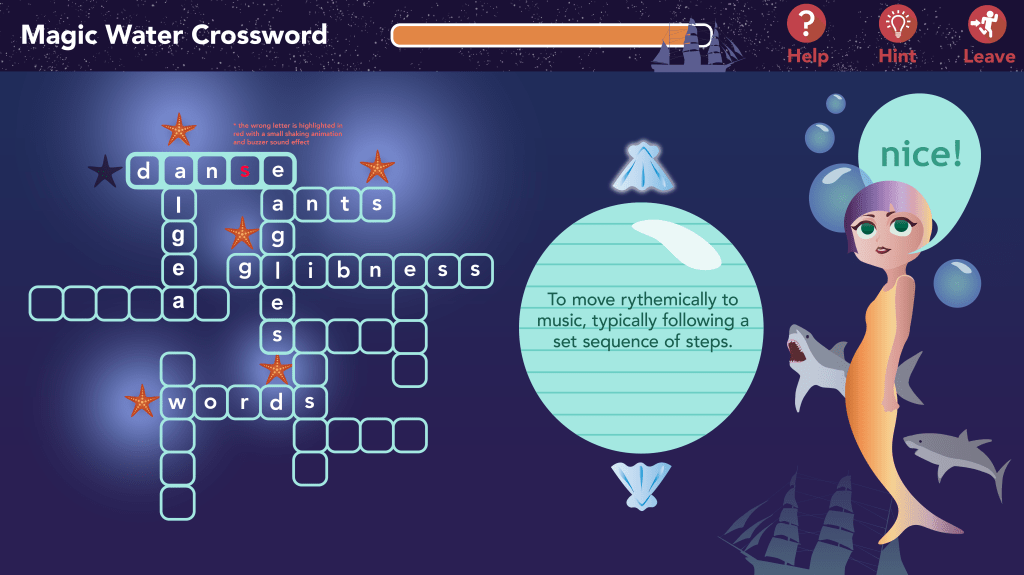


Final Product
These videos show the crossword game as a coded product using CSS, HTML, and PHP.
Tutorial
This tutorial explains how to play the game.
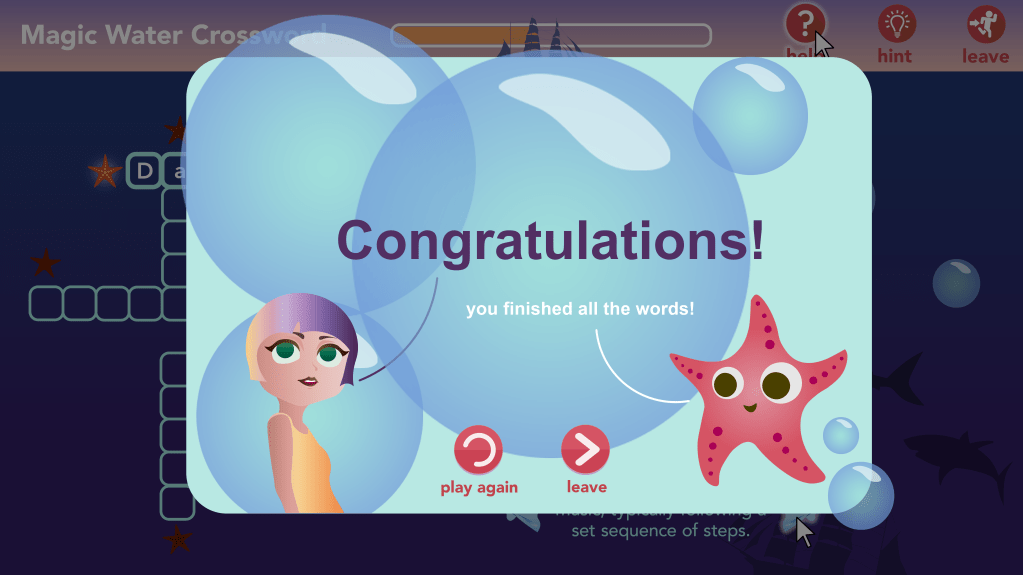
Congratulations Animation
This animation plays at the end of the game to help the user feel extra accomplished and rewarded.
Future Implementation
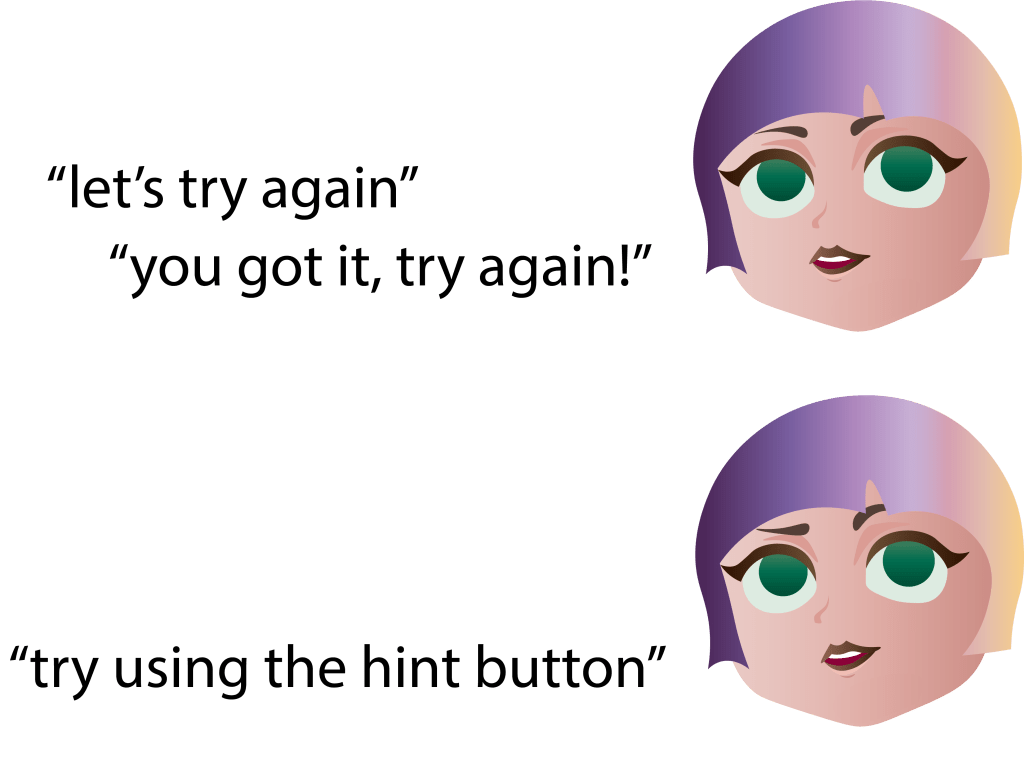
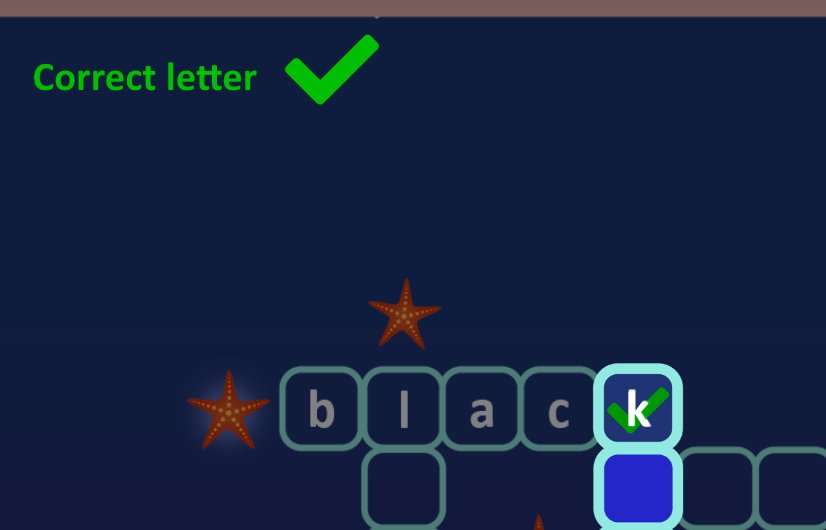
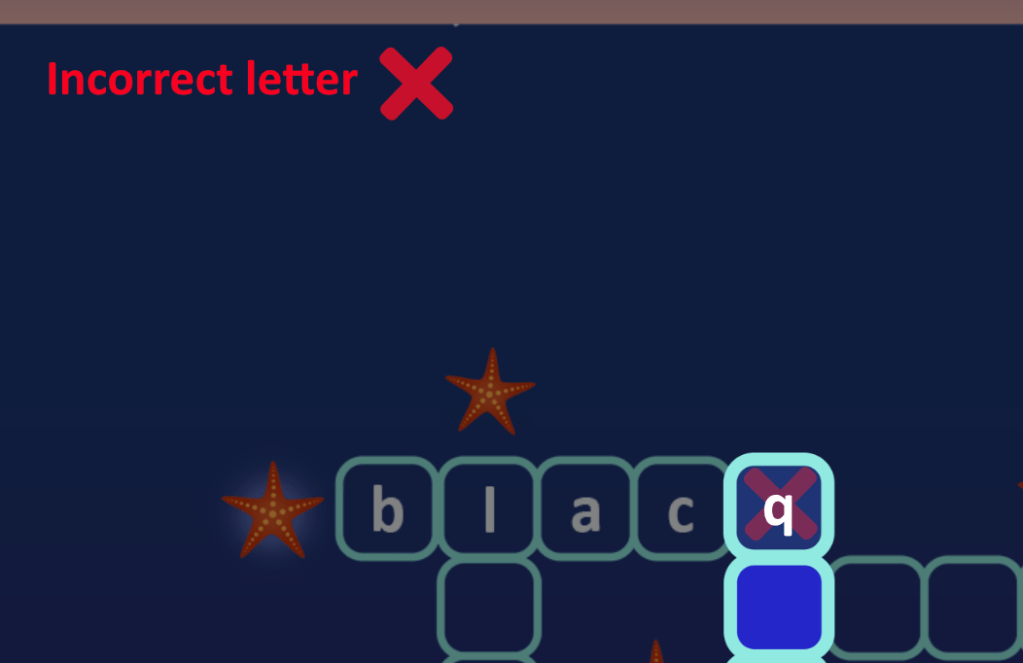
Future implementations include a word bank, definitions with matching photos, extra facial illustrations for user feedback, and a “check” mark and “ex” mark to aid colorblind users in determining correct/incorrect answers.
We would also like to include audio clips for incorrect feedback and a progress animation involving stars lighting up with each correct word.
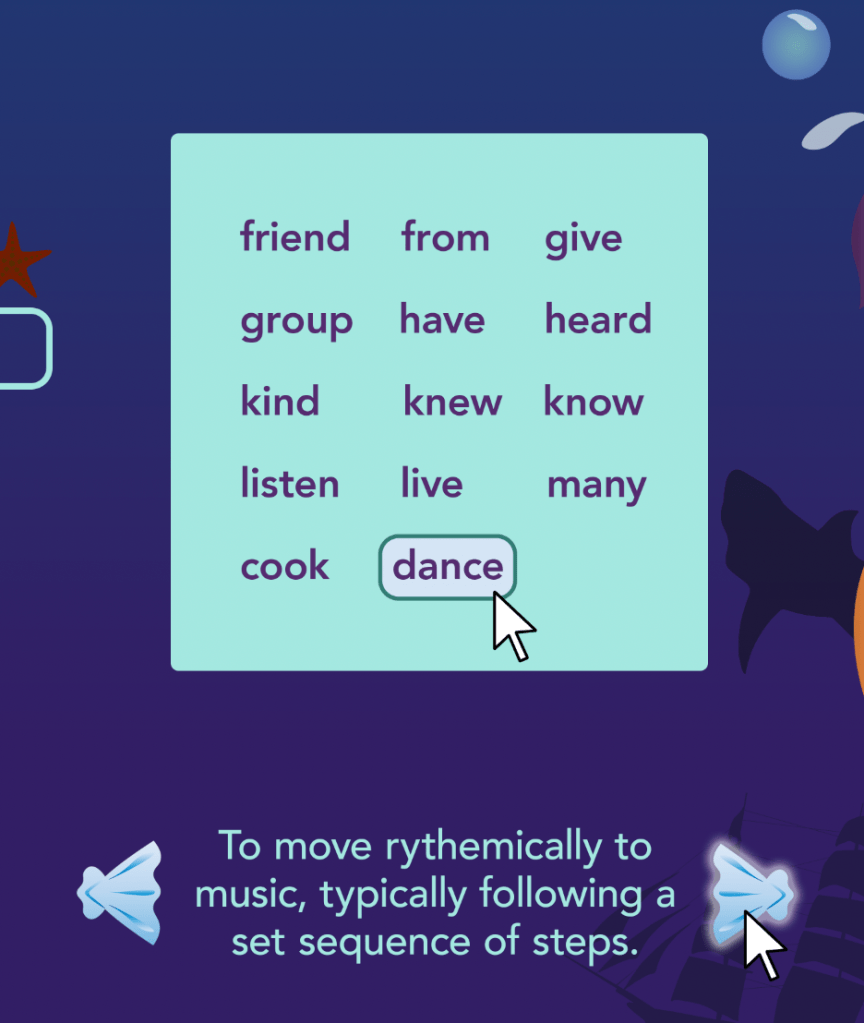
word bank feature 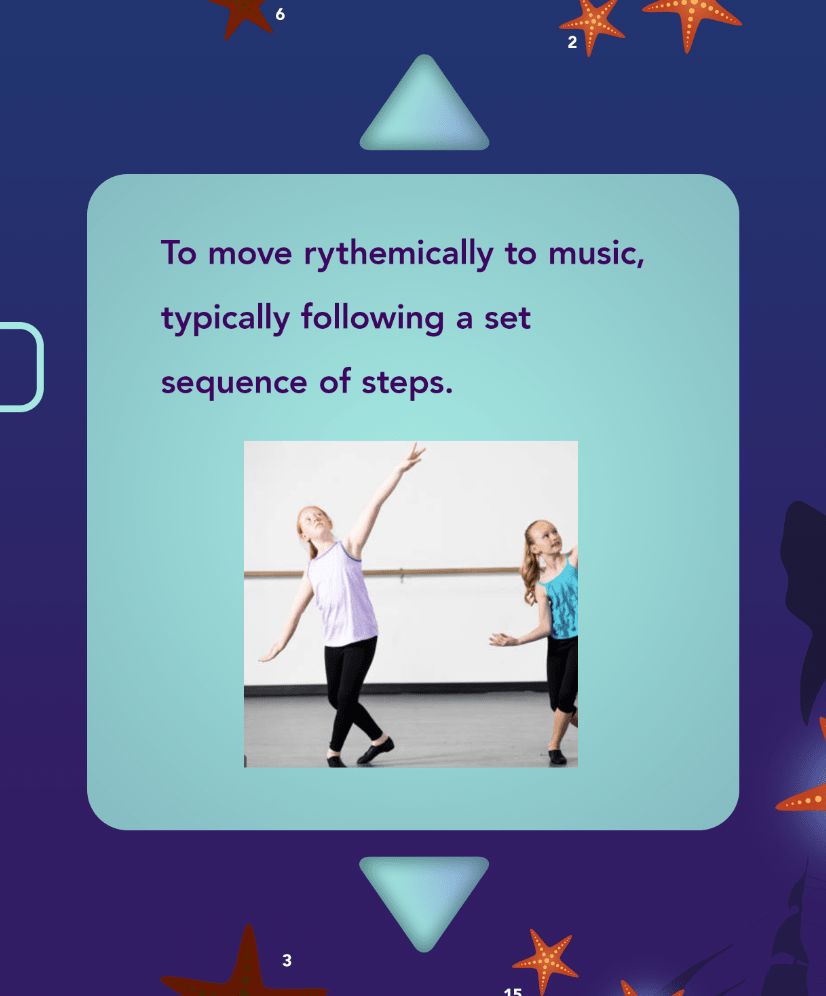
photo-aided definitions

Star Lighting Animation
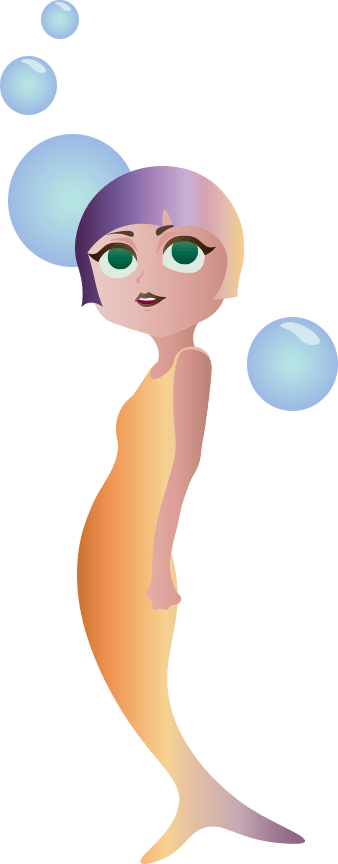
Stars will glow when words are typed correctly, saving the mermaid character from being stuck in the dark.
Audio for incorrect answers feedback
 emilyalbright.art