
Camp Courage is an app design for mobile that uses storytelling, games, quizzes, and comic building in order to educate, empower, entertain, and connect youth with bleeding disorders.
Goals
- educate youth about bleeding disorders
- provide a fun and emotionally beneficial experience
Objectives
- Increase knowledge of bleeding disorders
- Intuitive for parents and kids ages 9-12
- accessible for users with disabilities (WCAG 2.0 compliance)
check below to see the research process
Competitive Analysis
Features
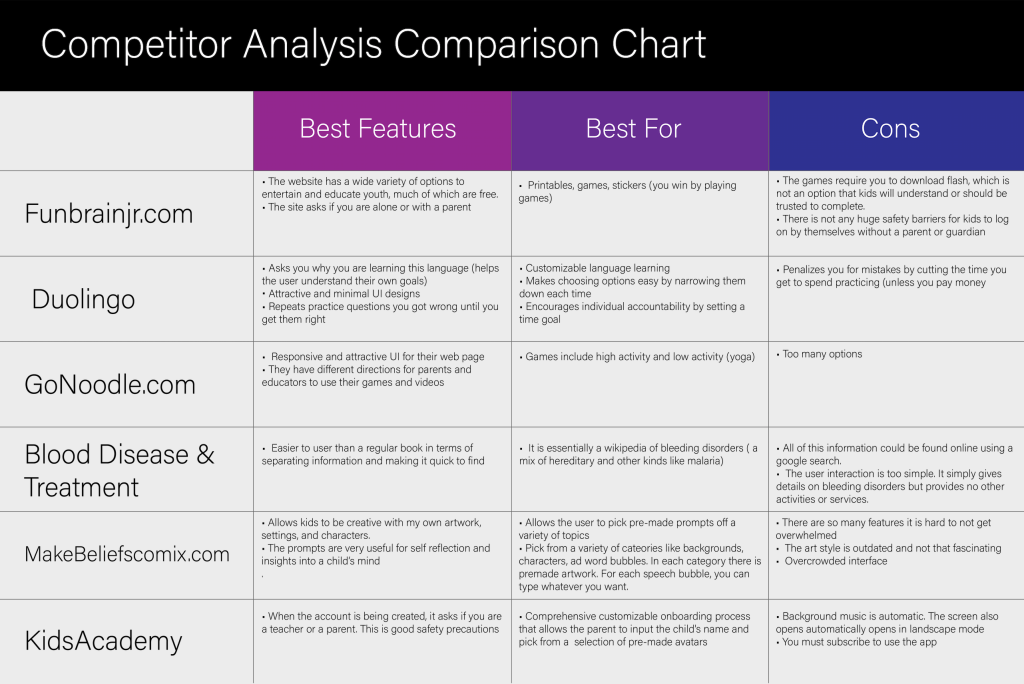
I analyzed the 6 competitors by evaluating their features’ pros and cons. I used these products to compare, contrast, and ideate the correct methods to educate, entertain, empower, and keep kids safe online.
Findings
- Privacy for youth online needs to be protected.
- Parents become a secondary audience when designing for youth.
- Keep interfaces simple and not too crowded.
- kid’s NEED to be creative and have fun!
User Personas
Expert Interveiws
The Giant and the Wolves
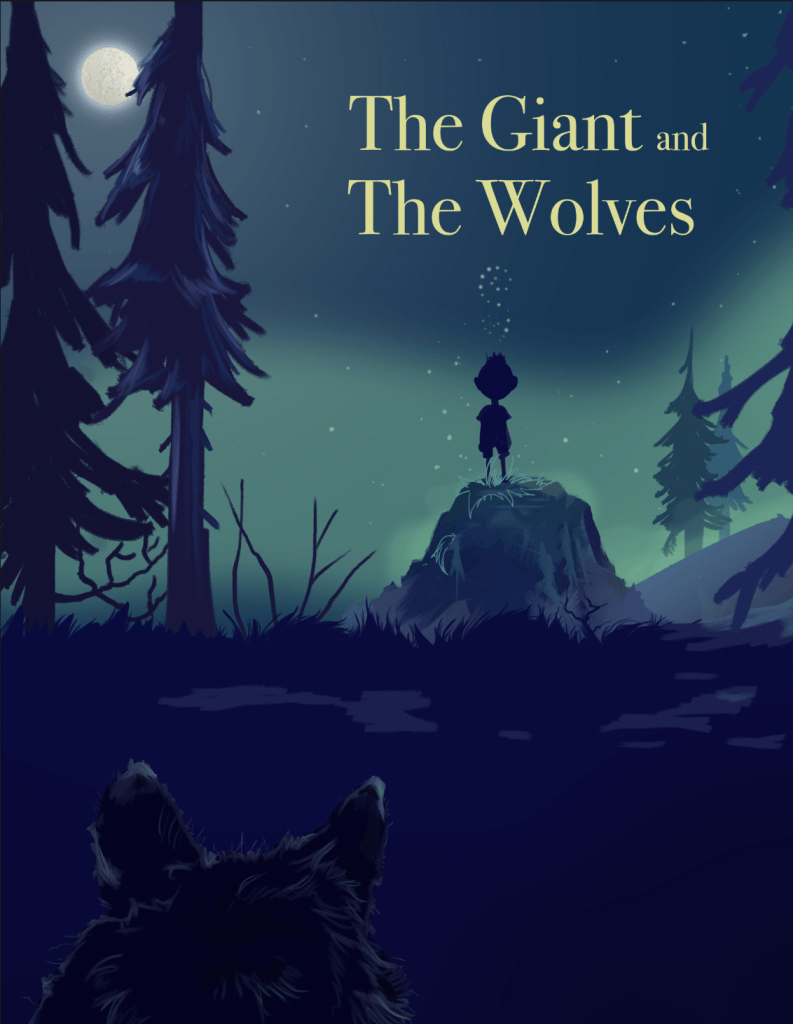
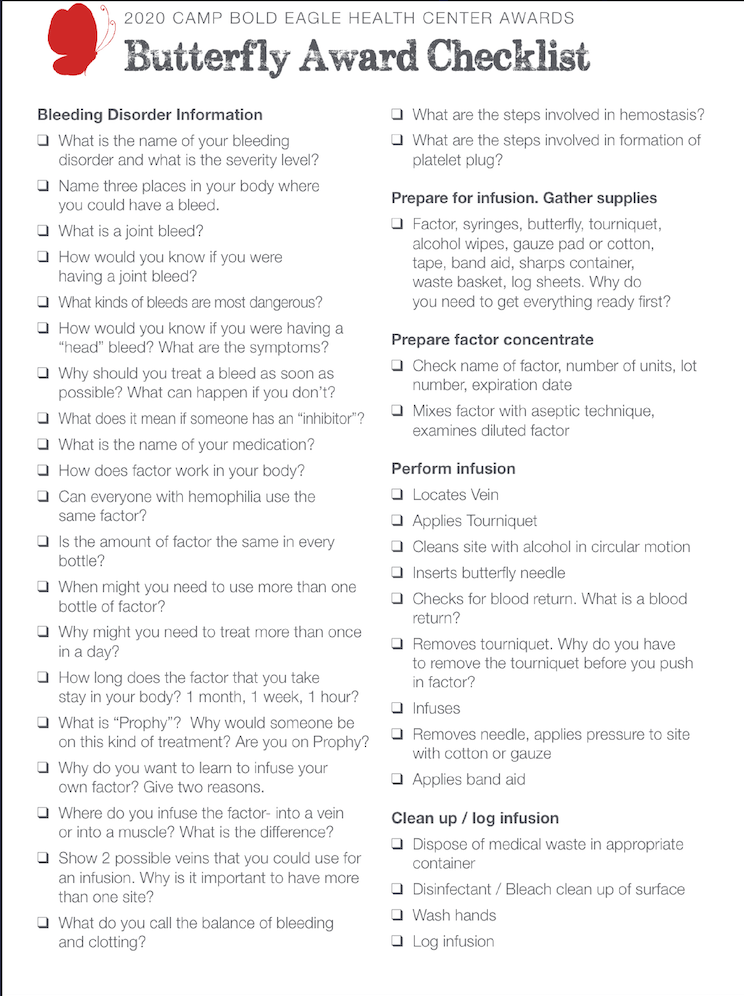
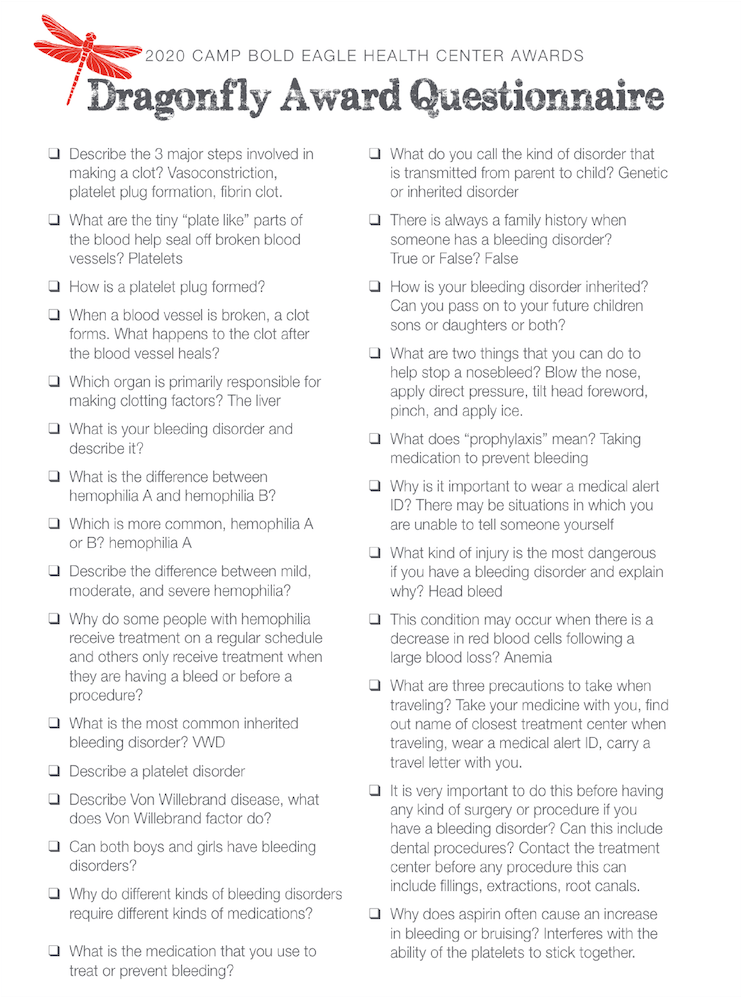
This app is based in the world of a bed time story that I told to campers at Camp Bold Eagle, an overnight camp for youth with bleeding disorders. Covid-19 forced us to create online camp over the summer.
I found there was a need for a virtual camp experience.
On-boarding
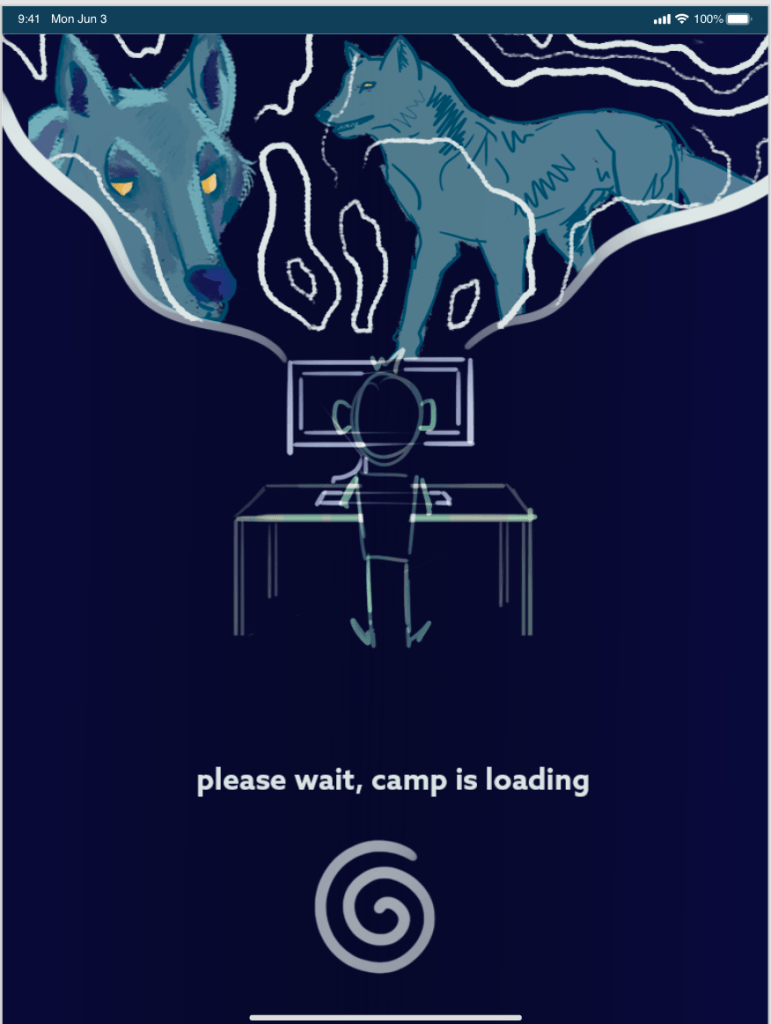
Using Figma, I built a wireframe of the on-boarding process. included are the community guidelines, character creation, account creation, and introduction.


Sign on
The story it’s all set in
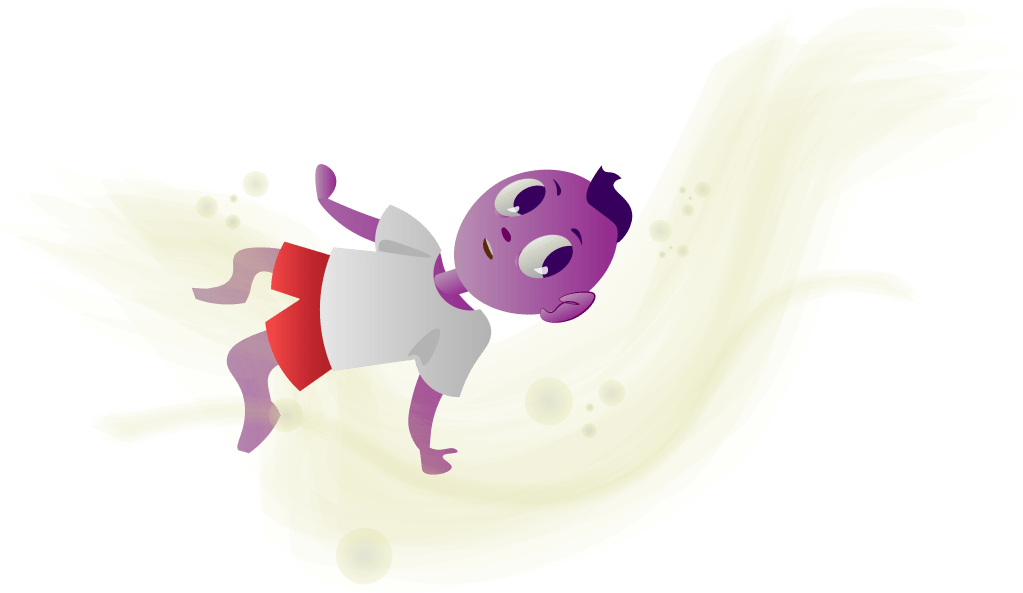
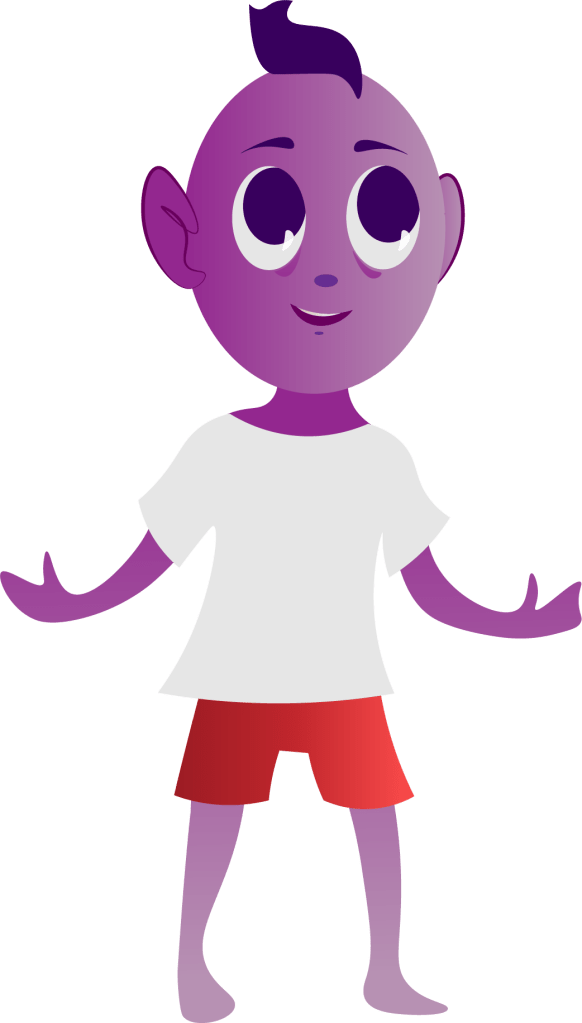
The user is guided through a magical bed time story. From there, they can check out the games or comics features.
Read
games
I mocked up two game concepts to help kids learn about bleeding disorders. In actual development, there could be an endless amount of games. Two player mode allows other users to play against each other.



Play educational games
Comics
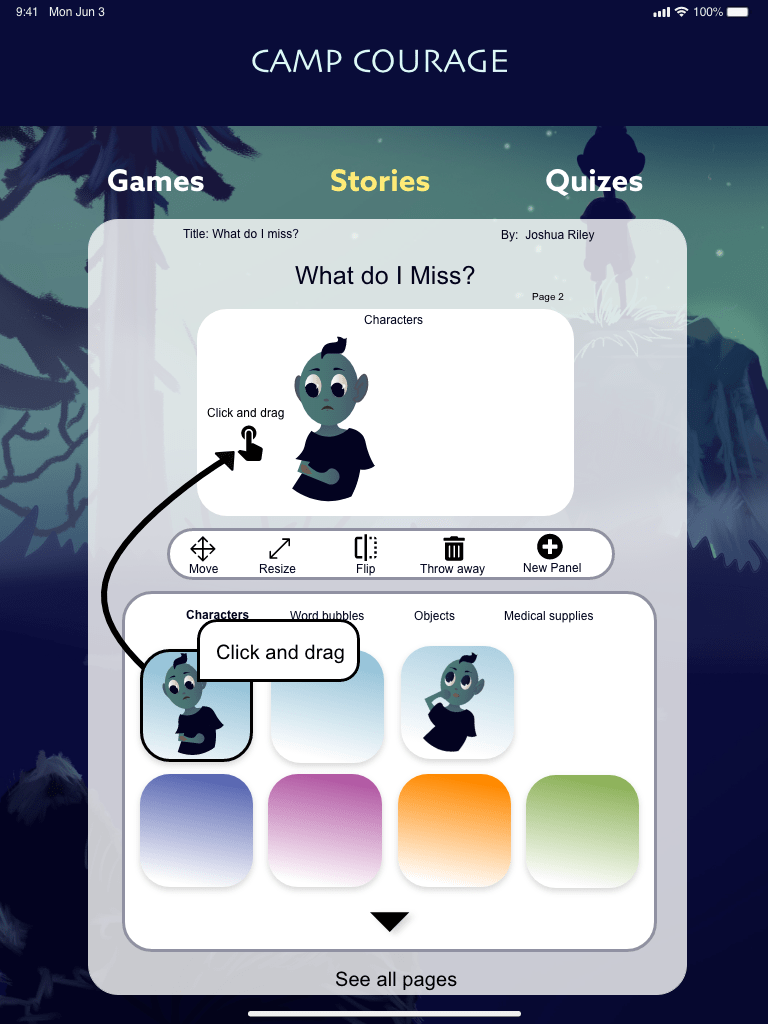
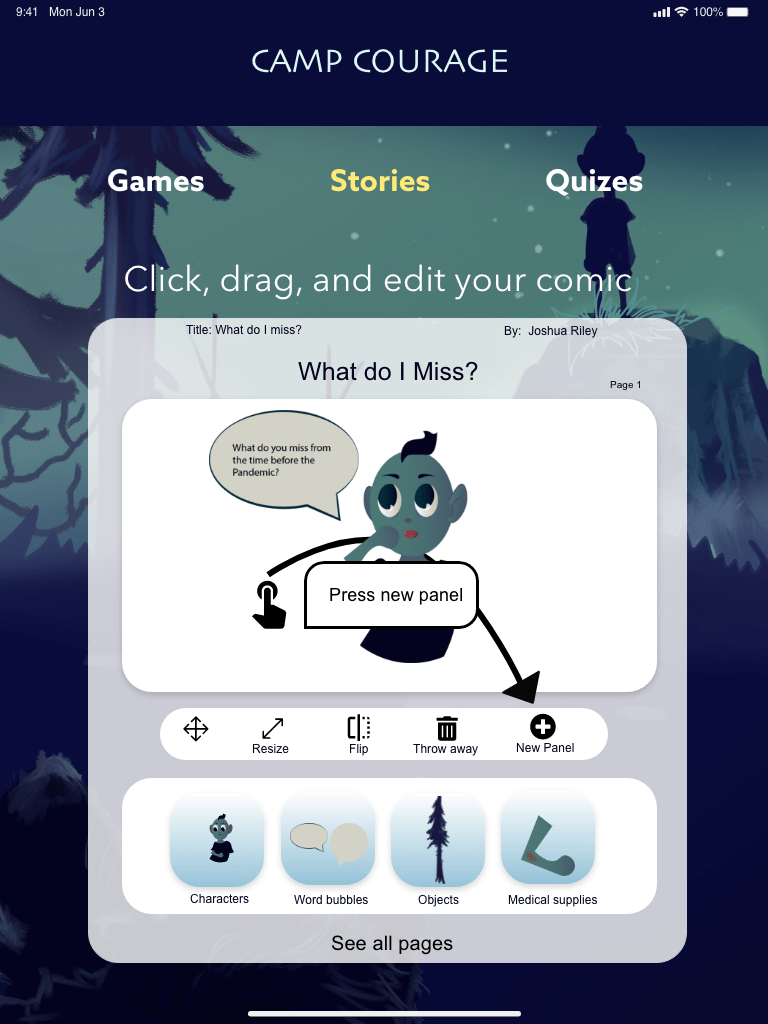
Comic building allows the user to express their emotions and creativity. Once they are done, they can submit their comic to be uploaded to the gallery and edited by others.
Build comics
Illustrations
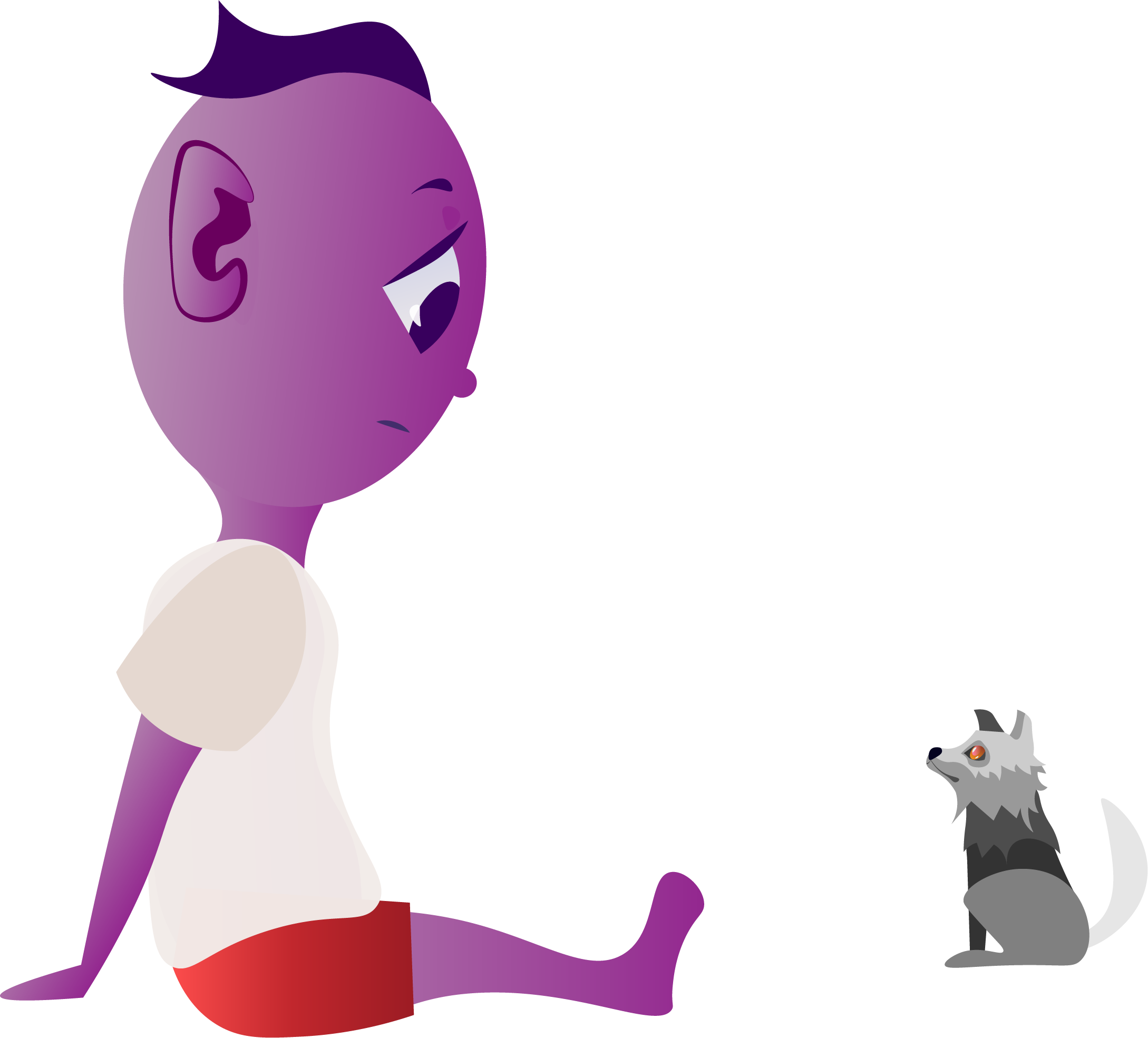
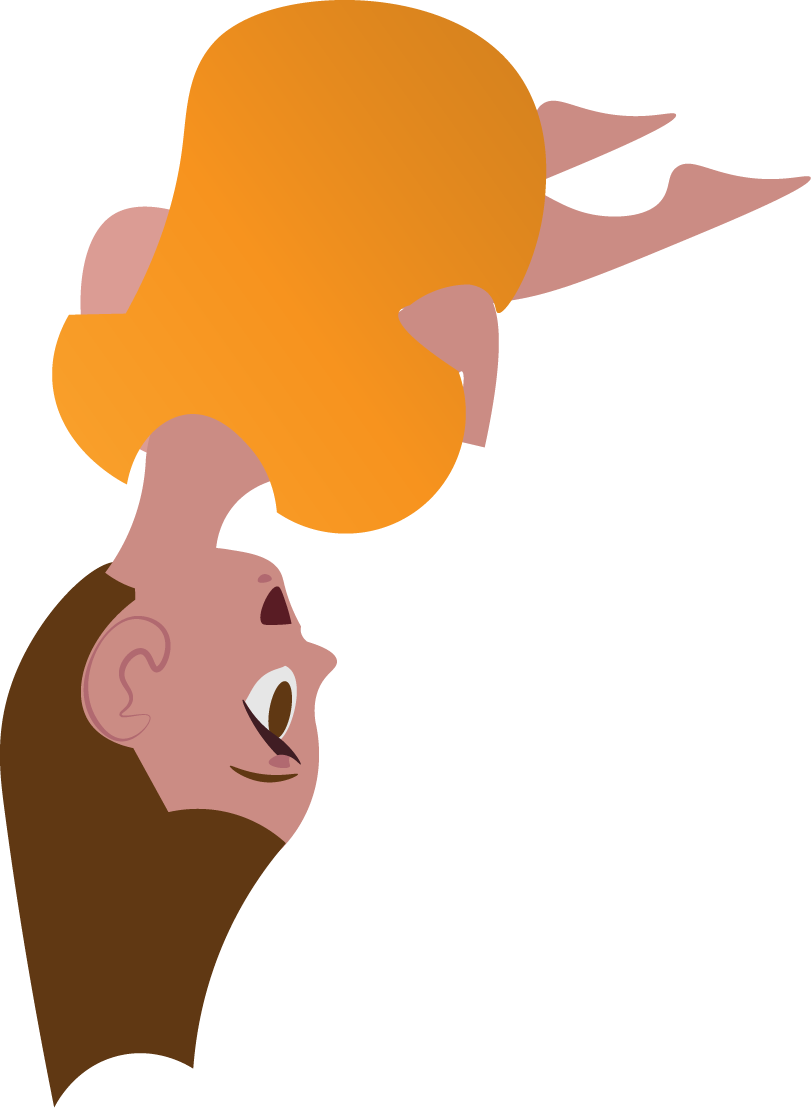
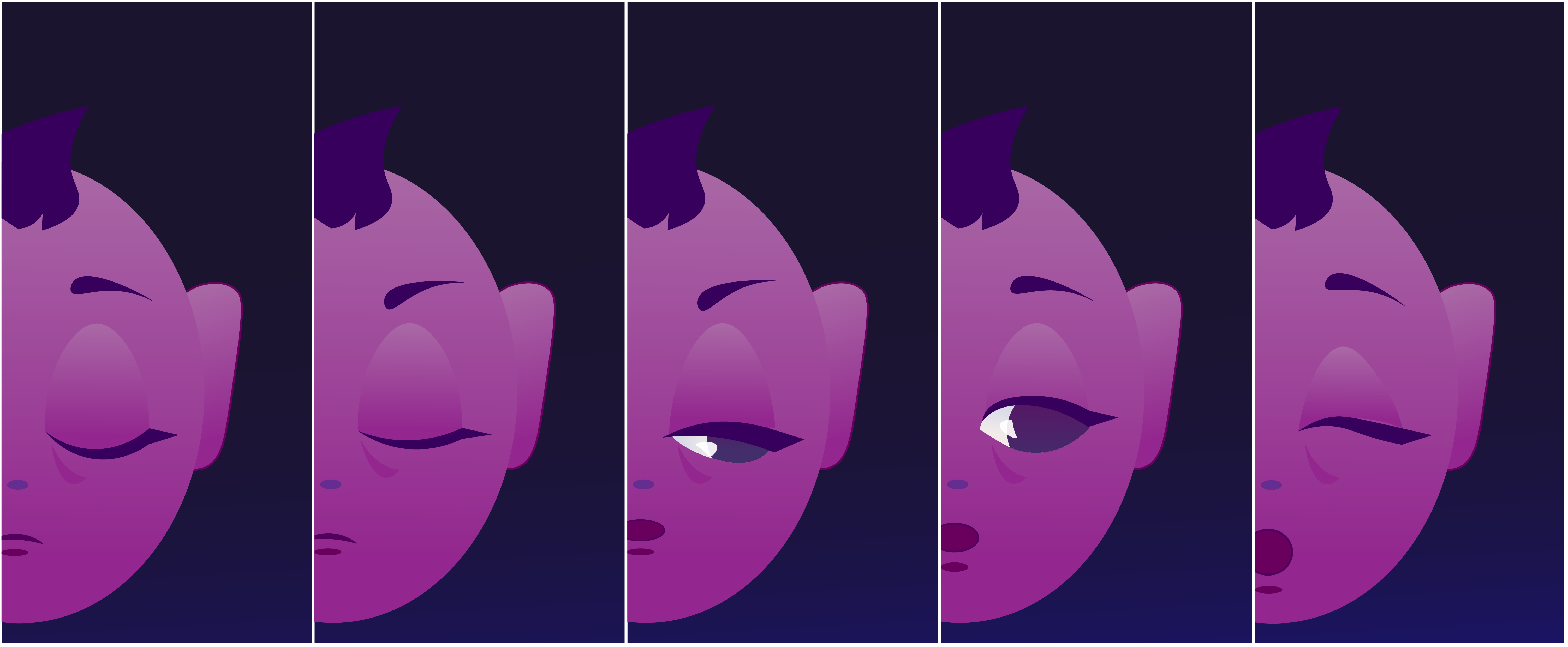
I’m creating illustrations for the characters, objects, and settings in my story so that I can use them portions of the application.
I prefer to use illustrator to make vector-based graphics. They provide the cleanest resolution with the most flexibility on the web.
By Integrating my illustrations into UI designs, I hope to make interfaces feel more alive and less confined to specific standards.


Game Research
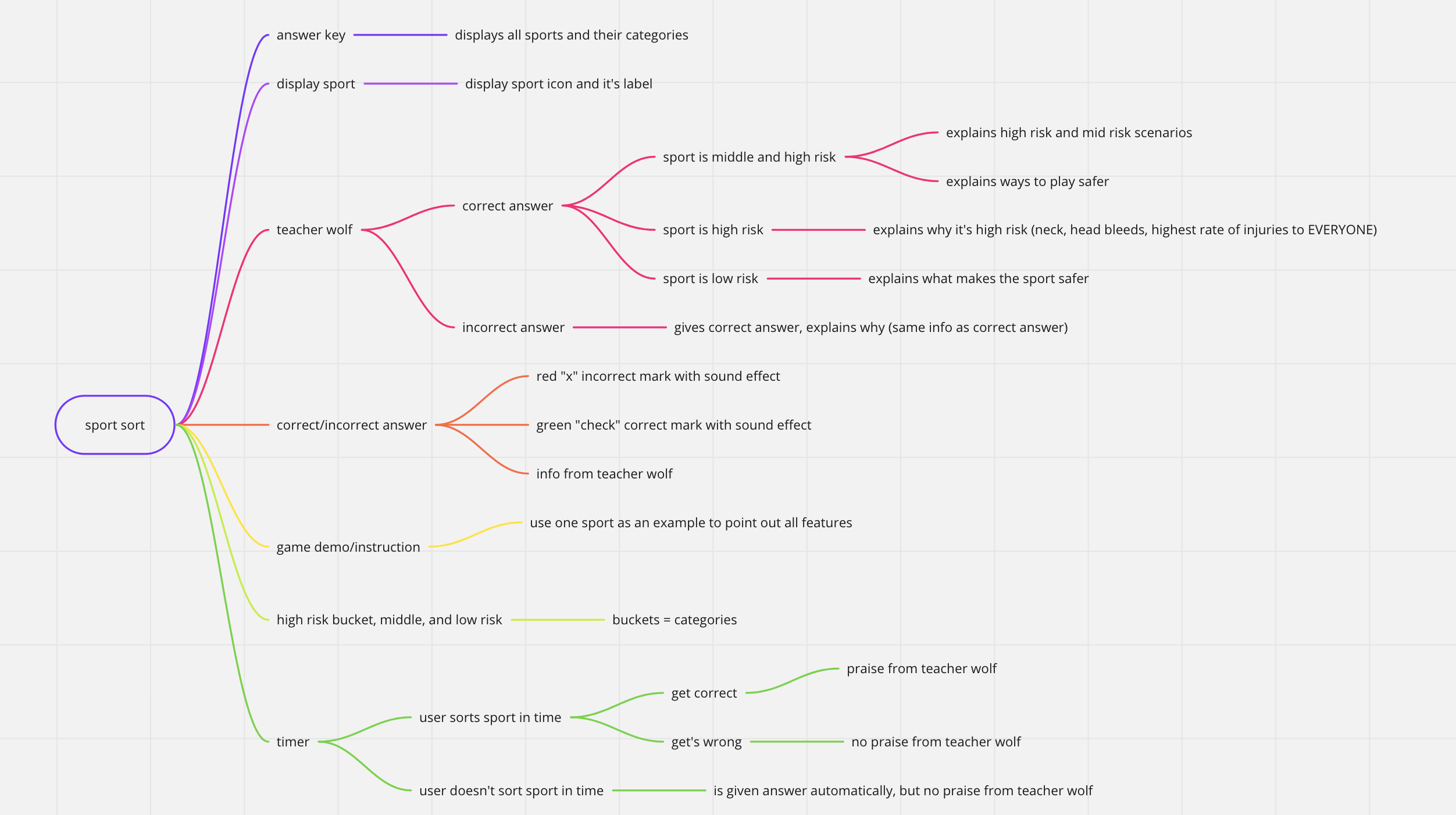
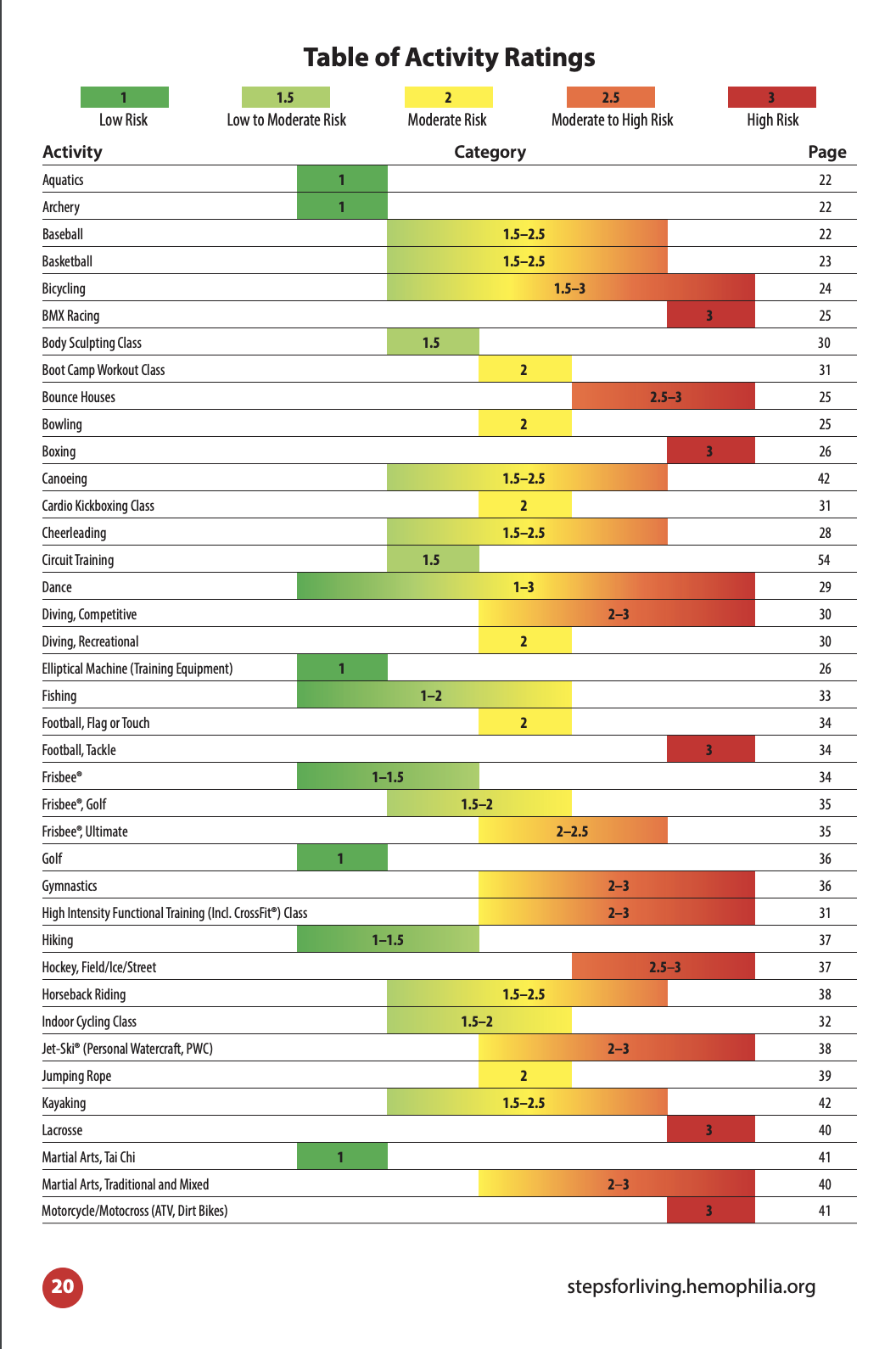
Safe Sport Sort
Learning modes: Sorting, learning about sports
Subject: Good sports for kids with bleeding disorders
Main gameplay mechanic: click and drag the sports icons into the correct areas.
The objective of the game: help kids with bleeding disorders understand sports that are better for their joints and will help prevent bleeds.
Ages: 9-12
Multiple Choice Rope Swing
Learning modes: Multiple choice questions, learning about bleeding disorders.
Subject: help kids learn about bleeding disorders, correctly answer questions to help The Giant across
Main gameplay mechanic: answering true questions correctly so the giant can swing across the vines.
The objective of the game: answer the questions correctly. If correct, then learn why. Help kids understand more about bleeding disorders.
Ages: 9-12
Comic Building
To the right are my preliminary mockups for the comics feature. The user will be asked to complete prompts that help them reflect on their emotions.
 emilyalbright.art